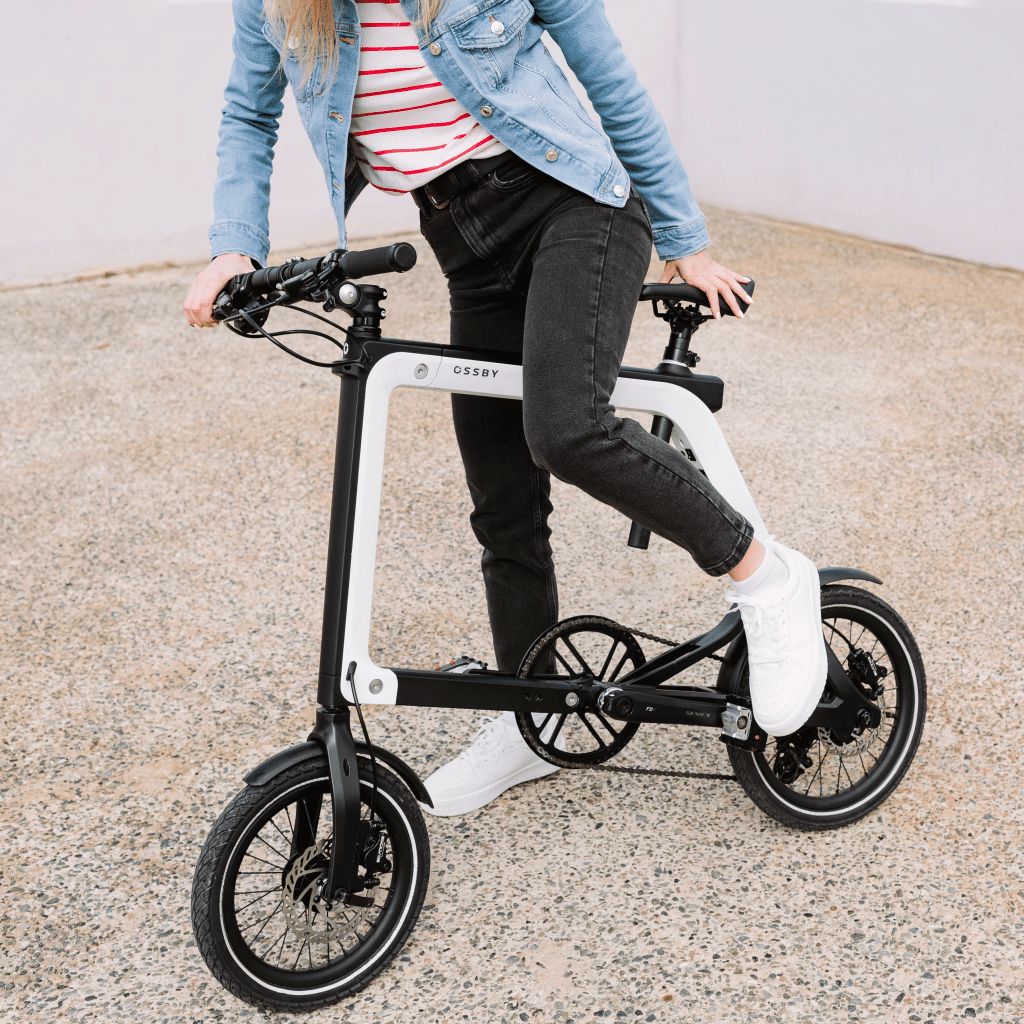

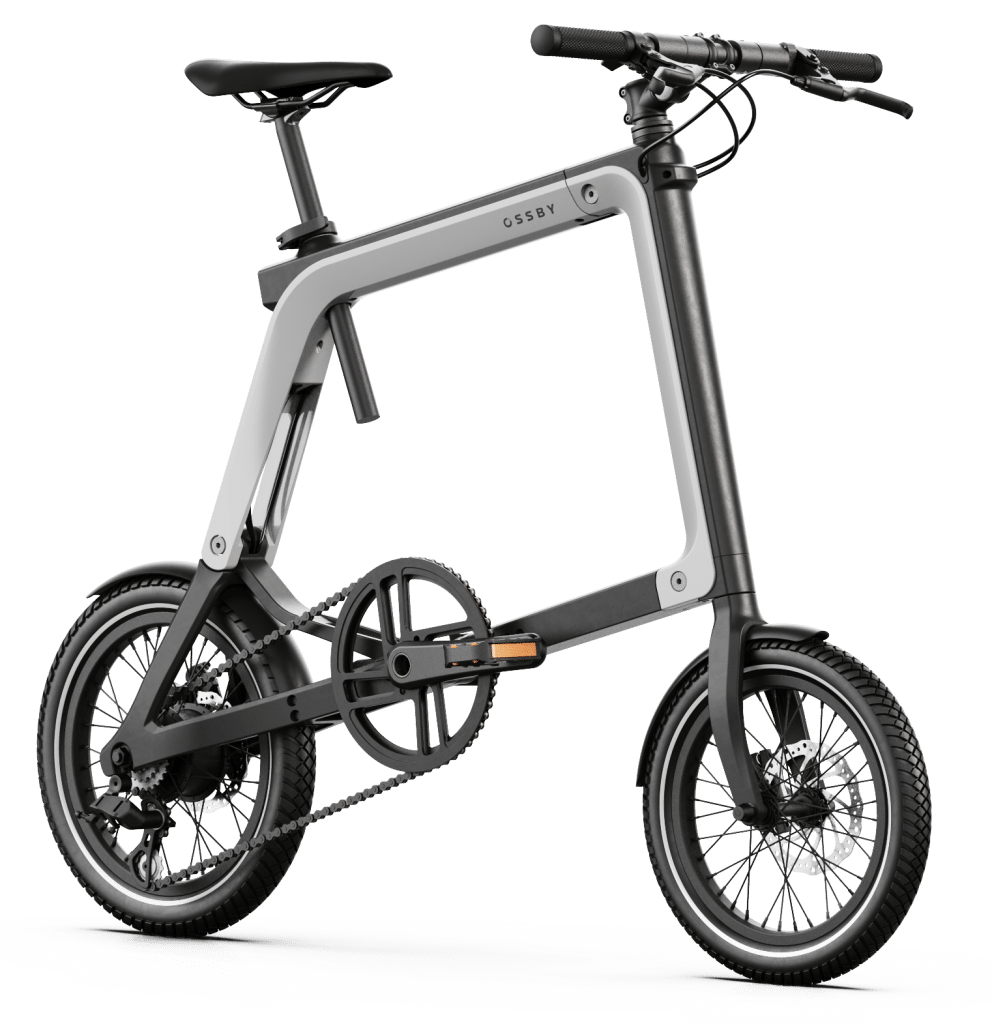
The control of your Ossby GEO in the palm of your hand.
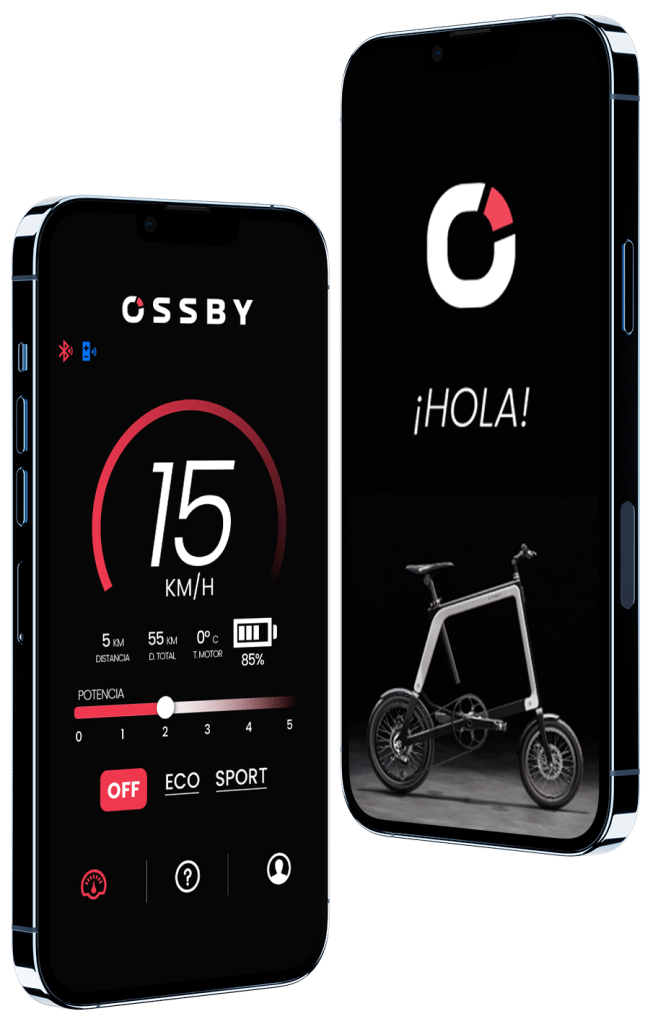
The intuitive Ossby app is your main control centre for the Ossby GEO.
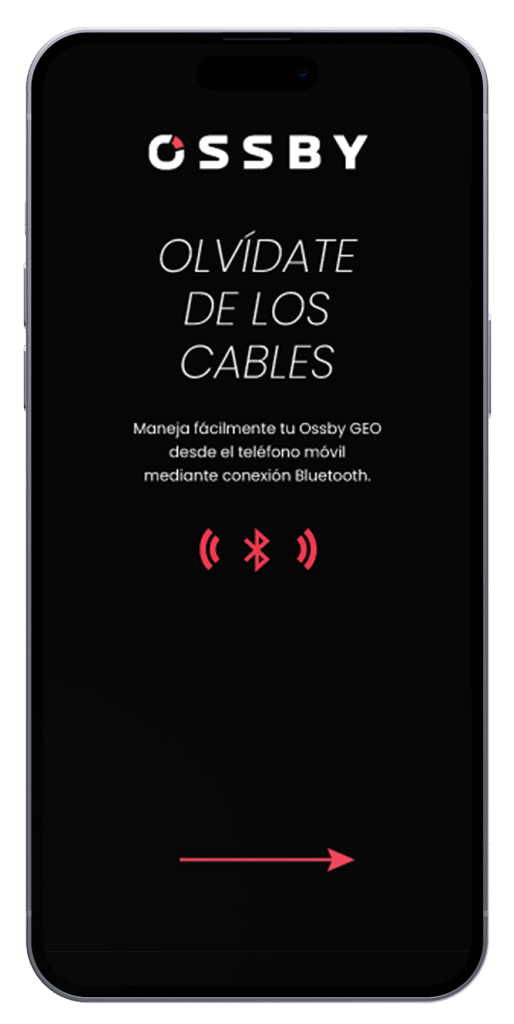
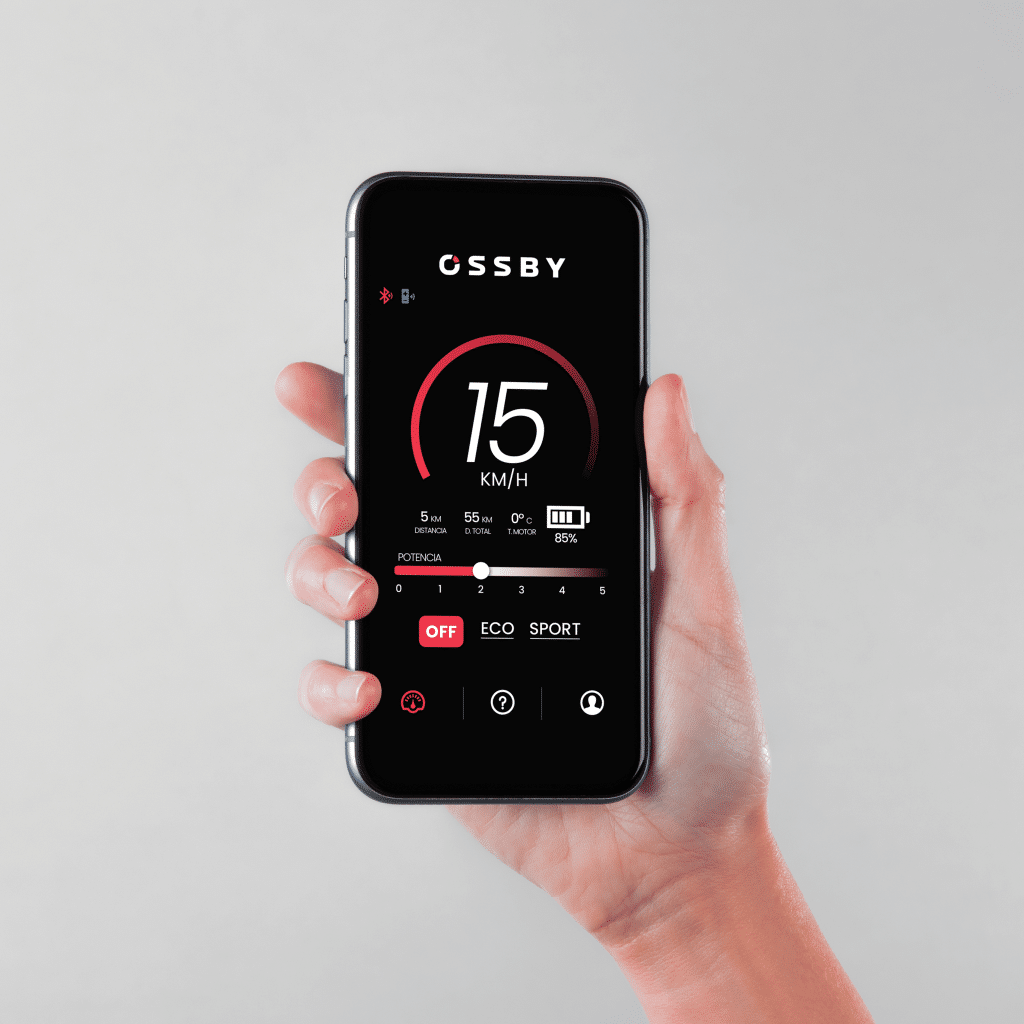
When connected to your ebike via Bluetooth, you can monitor battery percentage, select pedal assist modes and more.
SMART
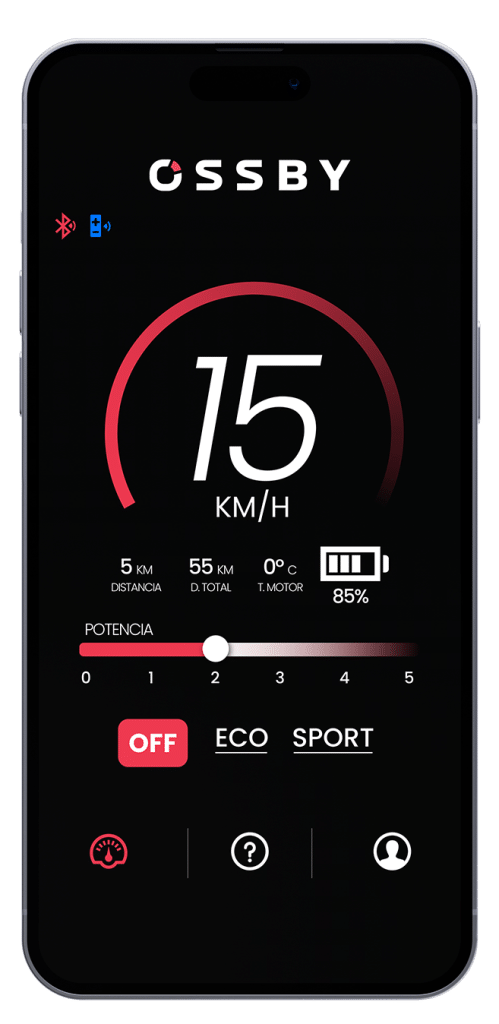
Everything you need to know about your bike in one place. Find everything you need for your ebike in the application we have developed for GEO.
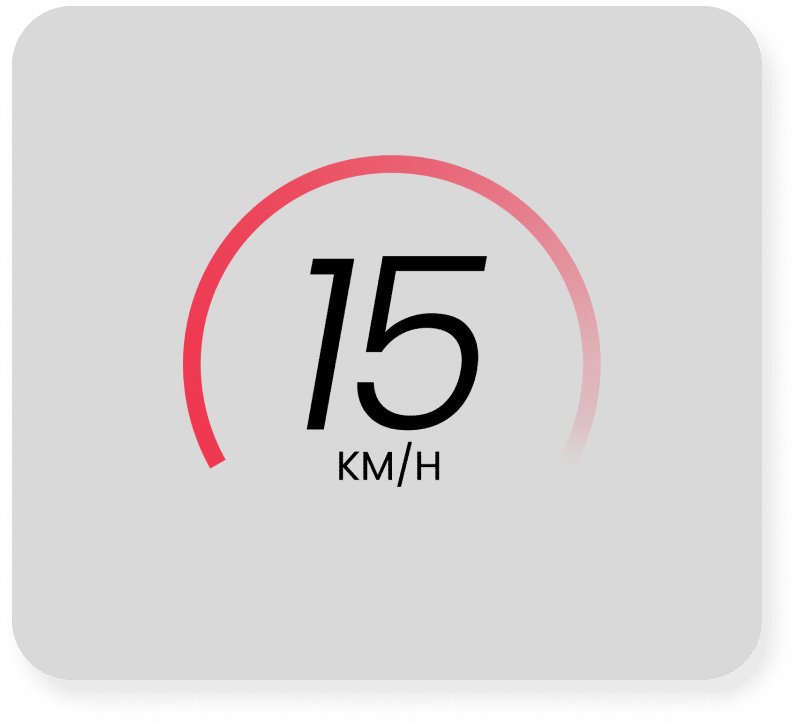
Check your speed to make sure it is in accordance with the traffic regulations in your city.
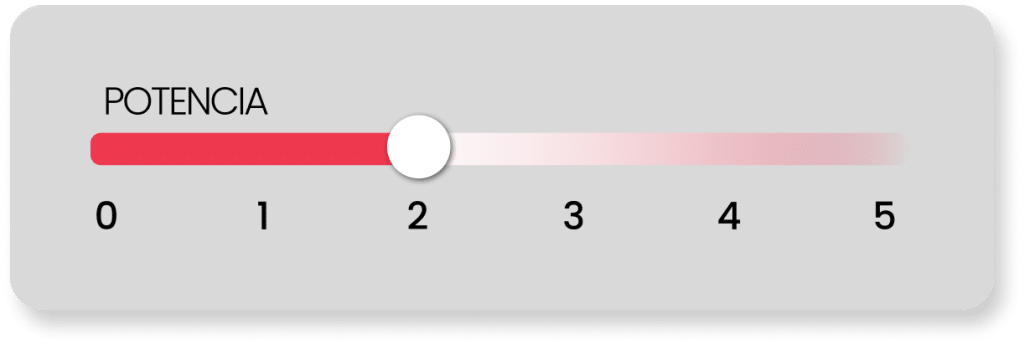
Select the level of assistance you need at any given moment.
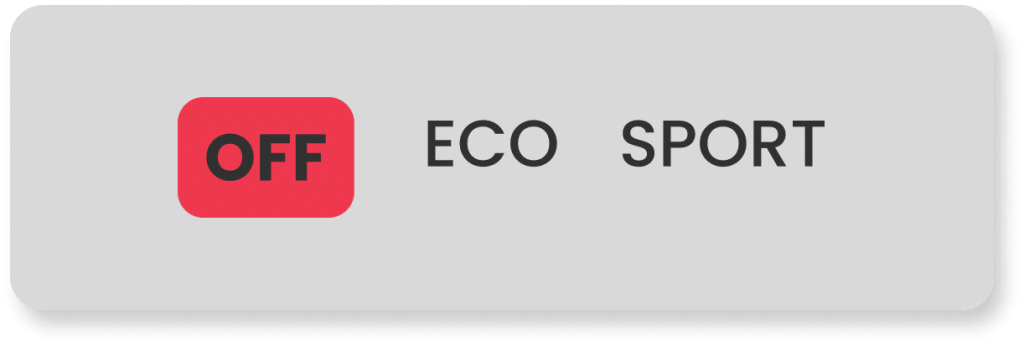
Two easy-access buttons with just one touch.
ECO: assistance level 1. To move your legs more.
SPORT: assistance level 5. From 0 to 100%. Let yourself go with minimal effort.
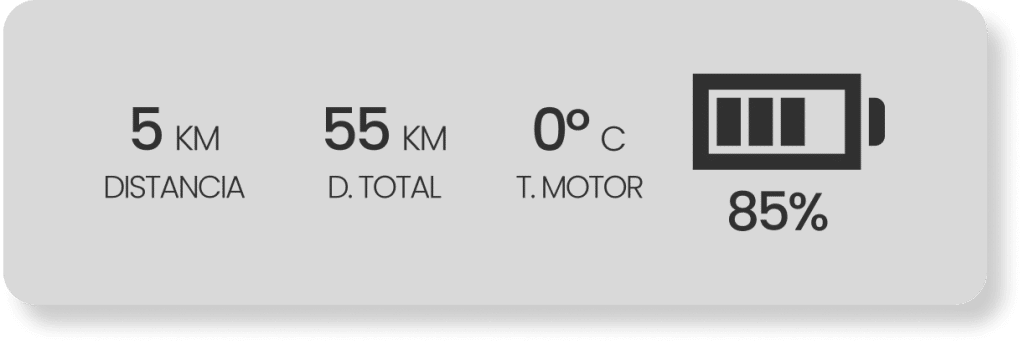
You will have the data about the status of your battery and the temperature of the engine, for greater security.
5 levels of
Assistance to the
Pedaling
Indicator
velocity
State of the
battery
Distance
Traveled
Promotions
Exclusive
Multilanguage: Up to 12 languages
Kilometers or
miles, you choose
Speed limit
up to a max. of 25 km/h
Combine it with
the Device
Bluetooth
Safety:
Temperature
Engine
Step one
Turn the bike on by pressing the button located on the frame of the bike. You will see the tail light come on.
Step two
Pedal a little to start the motor. Be sure that the battery is well charged.
Step three
Go to your phone’s settings to activate Bluetooth.
Step four
Authorise the necessary permissions. Click on the “Find bike” button and select your bike. You will be able to name your eBike to differentiate it in case you have more than one.
ALL SET!
No App needed
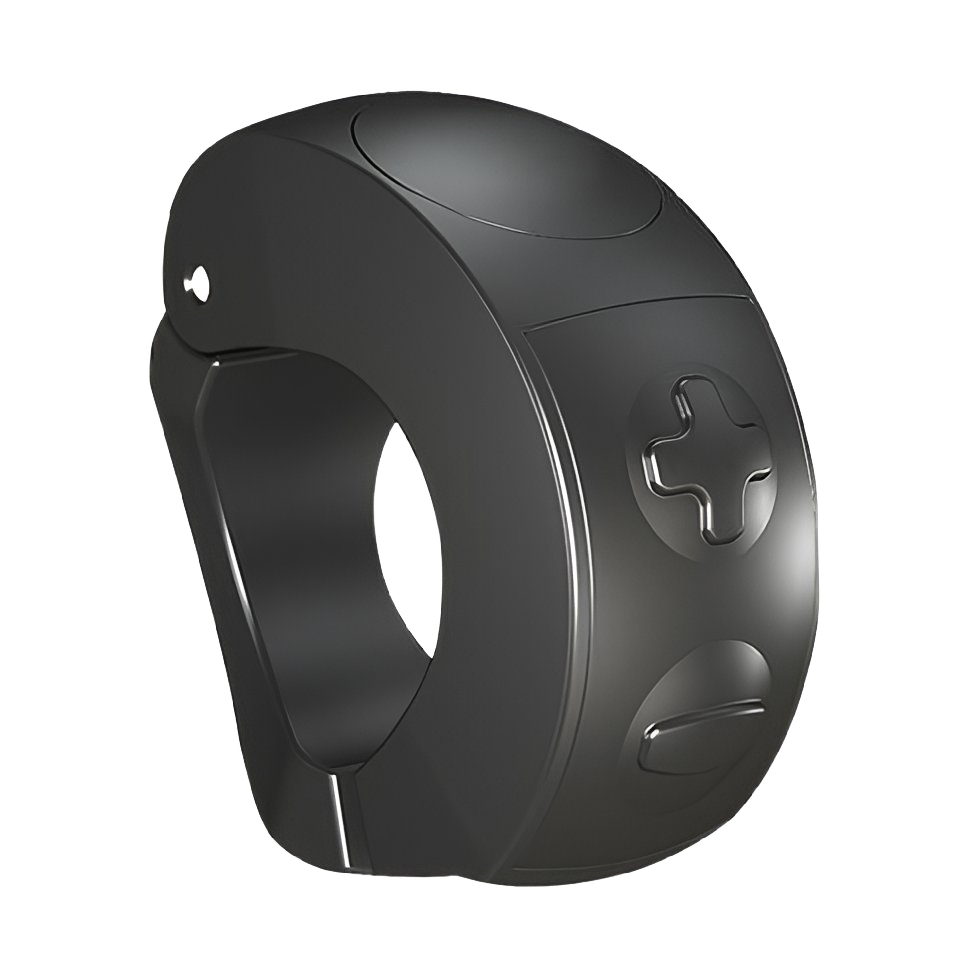
With the Bluetooth Button from Ossby, you can control the assistance levels of your GEO bike without needing the mobile application.
The Bluetooth Button attaches to the handlebar for easy access and features two buttons to increase or decrease motor assistance.
It is solar charged and sold separately. Combine with the App for full control of your Ossby GEO